01OUTLETS & EXPANSIONS
More points. Less improvisation.
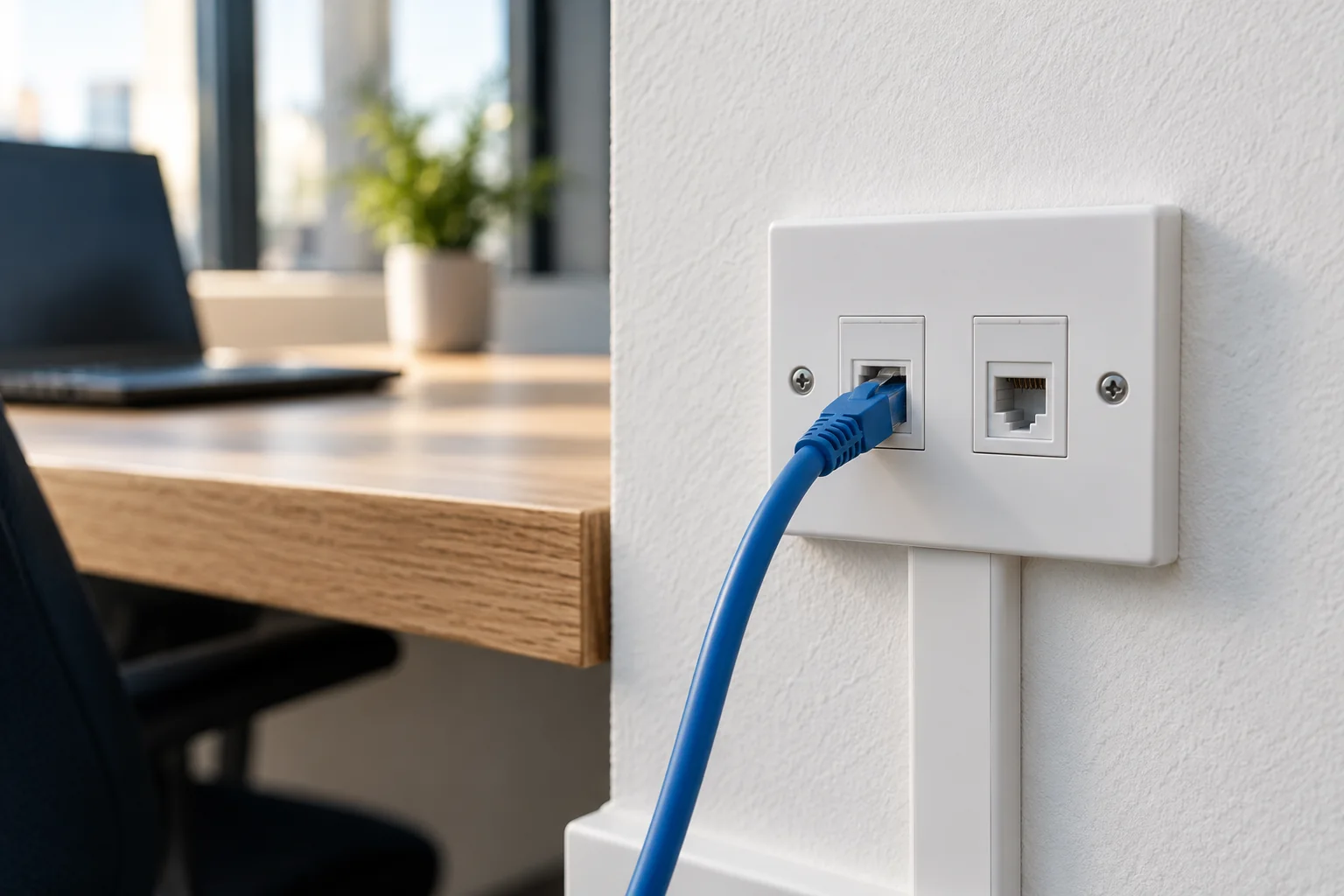
New data outlets for desks, meeting rooms, printers and working areas. Plan the positions around how your team uses the space.

A proper connection.
Where your business needs it.
From a few extra data points to an office fit-out: cabling, cabinets and switching planned around your premises, people and equipment.
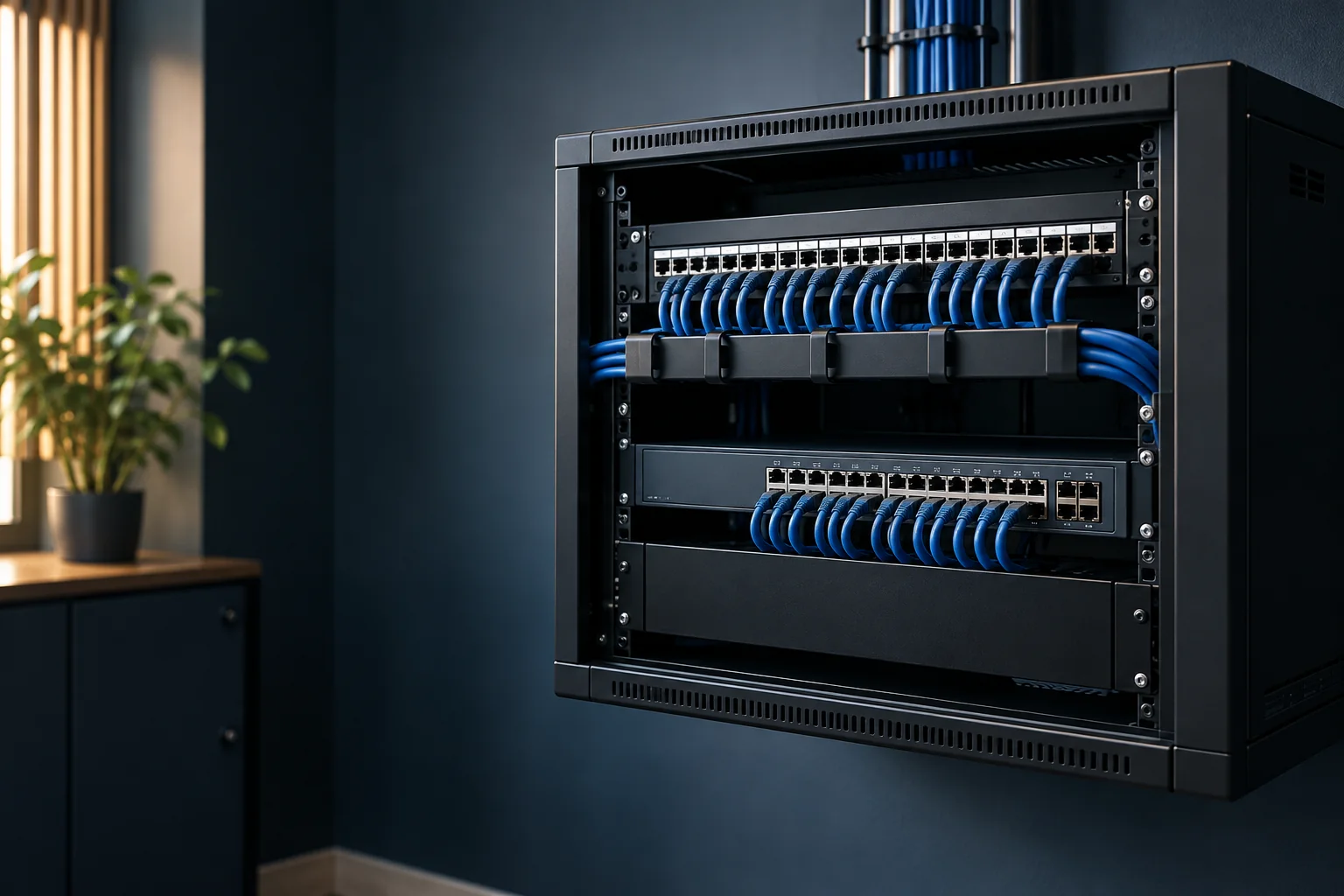
A new desk, a growing team or a change of premises can expose the limits of the existing network. Start with the connections you need, then build the installation around them.
New data outlets for desks, meeting rooms, printers and working areas. Plan the positions around how your team uses the space.
Office fit-outs and relocations: agree routes, cabinet position and the installation sequence around your move date.
Patch panels, organised leads, port labels and space for equipment. Review the existing cabinet before adding more hardware.
Discuss familiar cabling and network ranges with us. Your proposal sets out the selected equipment, exact models and who handles configuration.
Copper and fibre cabling, patching and rack infrastructure.
Explore the range ↗Cabling, outlets and patch panels for an organised installation.
Explore the range ↗Switches and access points within a coordinated UniFi network.
Explore the range ↗Managed switching and wireless equipment within the Omada range.
Explore the range ↗Switch options for business data, phones and connected equipment.
Explore the range ↗Equipment examples for discussion. Selection depends on the installation, existing network and agreed scope.
Plan wired connections for computers, printers, Wi-Fi access points, VoIP phones and IP security equipment. A switch needs the right ports, capacity and power budget for the devices it serves.
Already have an IT company? We agree the boundary between physical installation and network configuration, so the handover gives them the information they need.
Plan your network points ↗Cable category is one part of the design. Lengths, outlets, terminations, patching, installation conditions and testing all shape the finished connection.
A starting point to discuss for everyday business data connections, additional outlets and office networks.
Assess the required performance and complete link.Consider where greater bandwidth headroom is needed and the routes, space and equipment support the specification.
Allow for cable size, containment and terminations.Review for longer links, connections between buildings and backbone requirements that suit optical cabling.
Explore fibre installation ↗Your quote defines the installation and handover. Agree the evidence you need before work starts, especially where formal cable certification is required.
Agreed outlet and port labels, with a schedule that connects locations to the cabinet.
Patching and cable management planned around access, equipment space and maintenance.
The checks and results identified in your scope, with the required testing method confirmed.
Configuration responsibilities, remaining actions and the information your IT provider needs.
Share the premises, point locations and dates.
Review routes, the cabinet and existing equipment.
Confirm specification, price, access and test records.
Complete the agreed work, checks and handover.
Send a cabinet photo or floor plan if you have one. Start with your postcode, what needs connecting and any move date.
Yes. Share the outlet locations and a photograph of the cabinet. We review the routes, available ports and existing installation before agreeing the additional work.
The proposal can specify cabling and infrastructure ranges such as Excel or Connectix, and switching options such as Ubiquiti UniFi, TP-Link Omada or NETGEAR. We agree the exact models around your requirements, availability and any existing IT standard.
Choose around the required network performance, link lengths, equipment and cable routes. Cat6A can be considered where greater bandwidth headroom is required. The complete installed link and the agreed testing matter alongside the cable category.
These devices can use the premises network when their connection and power requirements suit the design. PoE power budgets, switching capacity and any traffic separation must be considered. Configuration responsibilities are agreed with your IT team.
Your quotation identifies the checks and records included. These can include labels, an outlet schedule and agreed cable test results. If you need certification to a specified cabling standard, tell us before quoting so the method, equipment and reports can be confirmed.
Point numbers, cable routes and lengths, containment, mounting access, cabinet work, equipment and installation hours all affect the scope. A floor plan, premises postcode and approximate point count make the first conversation more useful.
Tell us where you are, what needs connecting and when. We’ll discuss the requirement and agree the next step.
Send your installation enquiry ↗